
LED Screen Pixel Pitch Explained: P1.6, P1.9, P2.5, P2.9 and P3.9
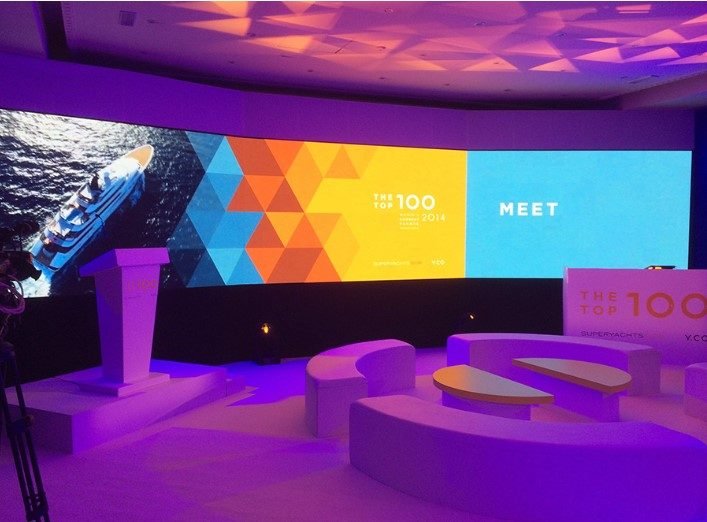
LED screen pixel pitch is the distance, in millimetres, from the centre of one pixel to the centre of the next on an LED wall. It is the number after the P in names such as P1.6, P2.5 or P3.9, and it is the single figure that decides how close your audience can sit before the picture breaks into dots, how much detail the wall can carry, and a large share of what it costs. This guide explains what the number means, how it relates to viewing distance and resolution, how the common indoor and outdoor pitches compare, which ones suit vertical poster screens and curved walls, and what to ask a supplier before you sign.
It is written for the marketing manager or event owner in Saudi Arabia who has received two quotes for a stage screen, one saying P2.5 and the other P3.9, and wants to know whether the difference matters for a ballroom launch, a conference or an evening in the open air. Usually it does, and the right answer depends less on the screen than on where your guests will be and what you plan to show them.
What LED screen pixel pitch means
An LED wall is assembled from modules: small square or rectangular tiles fixed into metal cabinets, which are then locked together until the wall reaches its size. Every module carries a grid of pixels. Each pixel is a tiny cluster of red, green and blue light emitting diodes that mix into any colour when lit at different strengths. From a few steps back the eye blends the grid into one picture. Up close, you see separate points of light with dark gaps between them.
The pitch is the spacing of that grid. A P2.5 panel has its pixel centres 2.5 millimetres apart, across and down. A P3.9 panel spaces them 3.9 millimetres apart. The measurement runs from centre to centre, not edge to edge, because the diodes themselves vary in size between products, while the spacing of their centres is what decides how many pixels fit on a surface. That is also why the honest answer to a search such as p2.9 LED screen pixel size is not the size of a diode: each pixel occupies a cell 2.9 millimetres wide, and the part that actually lights up is smaller than the cell.
From there the logic is plain. A smaller number means pixels packed closer together, a smoother image at short range, more pixels on the same surface, more diodes to buy and to power, and a higher price per square metre. A larger number means a coarser grid that looks clean from further back and costs less for the same surface.
Viewing distance: the rough rule of thumb
The trade uses a quick rule for the closest comfortable viewing distance: in metres, it is roughly the pitch in millimetres. A P2.5 wall starts to read as a continuous picture from about 2.5 metres, a P3.9 wall from about 3.9 metres. Treat it as a rough rule, never as a promise. Closer than that, people notice the grid, the fine dark lines between pixels that look like a mesh laid over the image, and small lettering loses its edges.
The rule gives the nearest point at which the picture stops falling apart, not the point at which it looks its best. For a sharp image in which faces and small text hold up, plan for the front seats to sit clearly further back than the rule says. Eyesight, content and panel quality all move that line. A well calibrated panel with strong contrast looks finer than its number, and a cheap one at the same pitch can look coarser.
So the useful question is not how far away the average guest sits, but where the closest one sits. At a gala dinner that is the VIP table at the foot of the stage. At a conference it is the front row, and the speaker who may turn to look at the screen behind them. At a product launch it may be the press standing next to the wall for photographs. Mark that spot on the floor plan first, then read the pitch from it.
LED wall resolution: why there is no fixed figure
People search for p2.5 LED screen resolution or p3.9 LED screen resolution expecting a figure like a television’s. An LED wall has none. Its resolution is the number of pixels across and the number down, and that follows from two things: how many modules make up the wall, and how many pixels each module holds, which the pitch decides. Add a column of cabinets and the resolution grows. Choose a finer pitch for the same wall and it grows again, because a finer pitch packs more pixels into the same area.
The jump is bigger than it looks. A finer pitch adds pixels across and down at once, so the total climbs much faster than the small step between the two P numbers suggests. That is why fine pitches get expensive so steeply, and why a wall of the same physical size can be a modest canvas at P3.9 and a richly detailed one at P1.6.
That resolution is the canvas your content has to be made for. Ask the supplier for the exact pixel count of the wall as configured, across and down, before anyone designs a single scene. A film made in a standard widescreen format and sent to a wall of another shape gets stretched, cropped or framed by black bands, and the processor that scales the signal to the wall can soften small text along the way. Content built pixel for pixel to the canvas always looks better than content squeezed onto it.
LED screen pixel pitch compared: P1.6, P1.9, P2.5, P2.9 and P3.9
The table sets the pitches heard most often at events in the Kingdom side by side. The distance column applies the rough rule above, so it shows where the picture holds together, not where it is at its sharpest.
| Pitch | Typical use | Closest comfortable distance (rough rule) | Indoor or outdoor |
|---|---|---|---|
| P1.6 | Boardrooms, reception walls, products shown at close range, backdrops for filmed interviews | About 1.6 metres | Indoor |
| P1.9 | Conference stages with a close front row, product launches, poster screens at an entrance | About 1.9 metres | Indoor |
| P2.5 | Ballroom stage screens, gala dinners, the main screen of a mid sized conference | About 2.5 metres | Indoor |
| P2.9 | Large halls and deep stages, side screens, curved walls behind a stage | About 2.9 metres | Indoor |
| P3.9 | Open air stages, courtyards, poolside and rooftop events, festivals | About 3.9 metres | Outdoor |
What the table cannot show is worth stating. A pitch is only a family name: panels sold as P2.5 by different makers can differ in contrast, colour, refresh and how evenly they are lit. And a hall is not a laboratory. A ballroom whose front tables sit right against the stage may need P1.9 even though most guests are far back, while a large conference hall with a deep stage and a clear gap before the front row can be well served by P2.9.
Vertical poster screens and curved LED walls
A vertical LED screen, usually called a poster screen, is a tall standalone frame with LED modules on its face, standing on a weighted base or a slim stand, and sometimes linked with others so that several play one picture. It belongs at entrances, registration desks, lobbies and the sides of a stage, places where people walk right up to it, read it while queuing and take photographs beside it. Because the nearest viewer is at arm’s length, poster screens are normally made in the finer indoor pitches, P1.6 to P2.5, and the finest earns its price when the screen carries text, the programme of the day or a face. Posters at P2.9 also exist and suit a lobby where people pass at a distance rather than stop.
Poster content runs in portrait. A landscape advert placed on a tall screen leaves most of it empty or crops the subject, so the brand team needs the portrait canvas in pixels as early as it gets the main wall’s. And since a poster usually stands in a busy path, ask how it is secured so that it cannot topple if someone knocks it, and where its power and signal cables run so that nobody trips on them.
A curved LED wall bends either inward, wrapping around the audience or a stage, or outward, like a column or the corner of a building. The curve is made from flat modules joined at small angles, or from flexible modules that bend, so what looks like an arc is really a chain of very short straight sections. The finer the pitch and the narrower the module, the smoother the arc looks up close. For a curved stage backdrop seen from the hall, P2.5 or P2.9 is common. For a curved wall in a lobby or around a reception desk, where guests stand right beside it, P1.6 or P1.9 keeps the joints and the grid out of sight.
Curves bring a problem flat walls do not have: viewing angle. On a curved surface, guests at the sides see part of the wall at a steep angle, and many panels shift in colour or lose brightness when seen from the side. Ask to view the panel from the angle of your outermost seat, not only from the middle. Content needs care too. Straight lines and text that cross the bend can look warped from some seats, so designers keep the key words on the part of the arc that most of the room faces.
Brightness indoors and outdoors
Indoor and outdoor LED screens are different products, not the same panel turned up or down. An outdoor panel is sealed against dust, sand and rain, built to cope with heat, and driven far brighter so the picture survives direct sun. That is why P3.9 and coarser pitches dominate outside: the audience is further away, and brightness and sealing are easier to deliver on a wider grid.
Bring an outdoor panel indoors and it is uncomfortable to look at from close by. Take an indoor panel outside and it washes out in daylight with nothing to protect it from the weather. In Saudi Arabia an outdoor evening can begin in strong late afternoon sun and end in full darkness, so brightness has to be adjusted during the event, not set once at the start. Ask who adjusts it and when. Indoors, a screen set too bright makes the faces of speakers on stage look dark beside it, tires the eyes through a long dinner and burns out white in photographs. Turning it down has a trap of its own: cheaper panels lose shades of grey when dimmed, so dark scenes turn blotchy. Ask to see dark content at the brightness you will really use.
Refresh rate and cameras
The eye forgives what a camera does not. An LED screen does not keep every pixel lit continuously; it relights them many times each second. Guests never notice, but a camera can catch the gaps and show dark rolling bands or a flicker across the screen, in photographs and in the live feed. If the event will be filmed or streamed, if the speaker will be shown large on the screens from a live camera, or if photographers will cover it, ask for a panel with a high refresh rate and say plainly that it is for camera work.
Then test it with the real camera before the event, at the shutter settings the crew will use. The other camera problem is moiré: a rippling pattern that appears when the pixel grid of the screen and the sensor grid of the camera interfere. A finer pitch, slightly softer focus on the screen and a change of camera angle all reduce it. Agree in advance with the coverage team who checks this during the rehearsal.
How to choose a pitch: the closest viewer and the content
Most choices are settled by asking where the closest person stands or sits, and what the screen will show.
- Video and motion graphics are forgiving. Movement and large shapes hide the grid, so a wall that mostly plays film can sit at the coarser end of what the closest distance allows.
- Text, data and slides are demanding. A conference screen showing charts, a table of figures or a quotation in small type needs either a finer pitch or bigger lettering. Whatever the pitch, ask presenters for slides with fewer words and heavier type.
- Arabic lettering deserves its own check. Thin strokes, the dots that tell letters apart and the small vowel marks above and below are the first details a coarse grid breaks up. A bilingual programme should be tested in both scripts on the actual wall.
- A speaker’s face on a live feed, shown large behind them, exposes every weakness of a coarse panel to people near the stage. Choose the pitch from the front row, not the back.
- Logos and brand colour depend more on the panel’s colour quality than on its pitch. Ask to see your own brand colour on that panel before the event.
When the budget will not stretch to a fine pitch across the whole wall, mix. A finer centre screen behind the speaker with coarser side screens, or a fine poster at the entrance and a coarser main wall, puts the money where people stand close. Light matters as well: stage light falling on a screen lifts its blacks to grey, and how light and screens share a space is covered in our guide to exhibition stand lighting.

Common mistakes when choosing LED screen pixel pitch
- Taking the finest pitch by default. Paying for P1.6 in a hall where the nearest seat is far from the stage buys detail nobody can see. That money usually does more as a larger wall or better content.
- Choosing for the average seat. The front rows and the VIP table set the pitch, not the middle of the room.
- Reading the pitch as a quality grade. The P number is spacing and nothing else. Contrast, colour uniformity, refresh and the processor matter just as much.
- Making content before the canvas is known. A film in the wrong shape gets fixed on the last night by stretching or cropping, and everyone sees the result.
- Mixing modules from different batches. Modules made at different times can differ slightly in colour, which on a large wall shows up as patches. Ask for the wall to be built from one batch, with spare modules from that same batch.
- Forgetting what stands in front of the screen. A lectern, a set piece or stage lighting hung in front of the wall casts shadows or hides part of the canvas. Stage and screen should be drawn together, and how a platform and backdrop are planned is explained on our page about event stages.
- Leaving the camera until the rehearsal. Flicker on the stream is discovered late if nobody raised it when the quote was requested.
- Fine pitch panels within reach. Fine pitch modules carry tiny diodes on their surface that a bag, a trolley or a curious finger can knock off. Where guests can touch the screen, ask about surface protection or a barrier in front of it.
Questions to ask an LED screen supplier
- Which pitch do you propose, and from which closest viewing position did you choose it?
- What is the exact pixel canvas of the wall as configured, across and down, and in what file format should content arrive?
- Is the panel made for indoor or outdoor use, and how is it protected from sun, heat, dust and rain if it stands outside?
- Is the refresh suited to cameras, and can we test it with our photographer and video crew before the event?
- How is brightness set and changed during the event, and who does it?
- Are the modules from one batch, and are spare modules on site?
- Who runs the processor and playback during the show, and is that operator a named line in the quote?
- What does the wall stand on or hang from, and who agrees that structure with the venue?
- If a module fails during the event, who replaces it and where is the spare kept?
- For a curved or poster screen: from which angle was the picture checked, and how is the poster secured?
A good supplier answers these in the quote itself, not after the deposit. A screen inside an exhibition booth raises different questions, about the stand structure and the organiser’s rules, which are covered under LED screens for exhibitions. And when the picture belongs on a building facade rather than a wall of modules, projection mapping is often the better tool.
From pixel pitch to a quote
Once the closest viewer is marked, the content described and the venue named, a supplier can propose a pitch that fits your event rather than the one with the best margin. If you are planning a conference, the wider steps are on our page for conference organisers in Saudi Arabia, and for a company celebration see corporate party organisers.
The Touch supplies LED screens for events, sized from your venue, audience and programme. Each screen is a named line in the quote with its type, its quantity and who operates it, and we coordinate with your audio visual supplier or with ours. The stage, the backdrop and the frames that carry a screen are built in our own factory and test assembled there before they ship, and our own team installs them on site. We have more than one location in the Kingdom: send the venue, the date, the floor plan and what the screen will show, and an itemised quote comes back within 24 hours. If a word in that quote is unfamiliar, our glossary of exhibition terms explains it.
Frequently asked questions
What does P2.5 mean on an LED screen?
It means the centres of the pixels on the screen are 2.5 millimetres apart, across and down. That figure is the pixel pitch, and the smaller it is, the closer the pixels sit and the smoother the picture looks at short range. P2.5 is one of the common indoor pitches for stage screens in ballrooms.
What is the closest viewing distance for a P3.9 screen?
By the rough rule, about 3.9 metres, which is where the picture starts to hold together rather than where it is sharpest. For small text and faces, keep the nearest audience clearly further back than that. P3.9 is mostly an outdoor pitch, used for stages in courtyards, on rooftops and at festivals.
What is the resolution of a P2.5 LED screen?
It has no fixed resolution the way a television does. The resolution is the pixel count across and down, which follows from the number of modules in the wall and the pixels on each module. Ask the supplier for the exact count of the configured wall, because that is the canvas your content is made for.
Is a smaller pixel pitch always better?
Only if someone will stand close enough to see the difference. A finer pitch costs more for the same area, and in a hall whose nearest seats are far away its detail is wasted. Choose from the closest viewer and the content, and if you do not need the finer grid, spend the difference on a bigger wall or better content.
Which pitch suits a vertical poster screen or a curved wall?
A poster is read up close, so the finer pitches from P1.6 to P2.5 are usual, with P2.9 for a lobby where people pass at a distance. A curved backdrop behind a stage suits P2.5 or P2.9, while a curved wall that guests stand beside suits P1.6 or P1.9. On any curve, check the picture from the angle of the outermost seat.
Can a P3.9 outdoor screen be used indoors?
It will work, but it is designed for far more brightness and for viewers further away, so it is harsh on the eyes up close and shows its grid to anyone near the stage. Dimmed hard, it can also lose shades of grey in dark scenes. A room where the audience sits close deserves an indoor panel at a pitch chosen for the nearest seat.
Why does the LED wall flicker or show bands in photos and video?
An LED screen relights its pixels many times each second, and a camera can catch the gaps in between as bands or flicker. The fix is a panel with a high refresh rate suited to filming, tested with the real camera and its settings before the event. If a rippling pattern appears, changing the camera angle or softening the focus on the screen reduces it.
Screens From Our Work
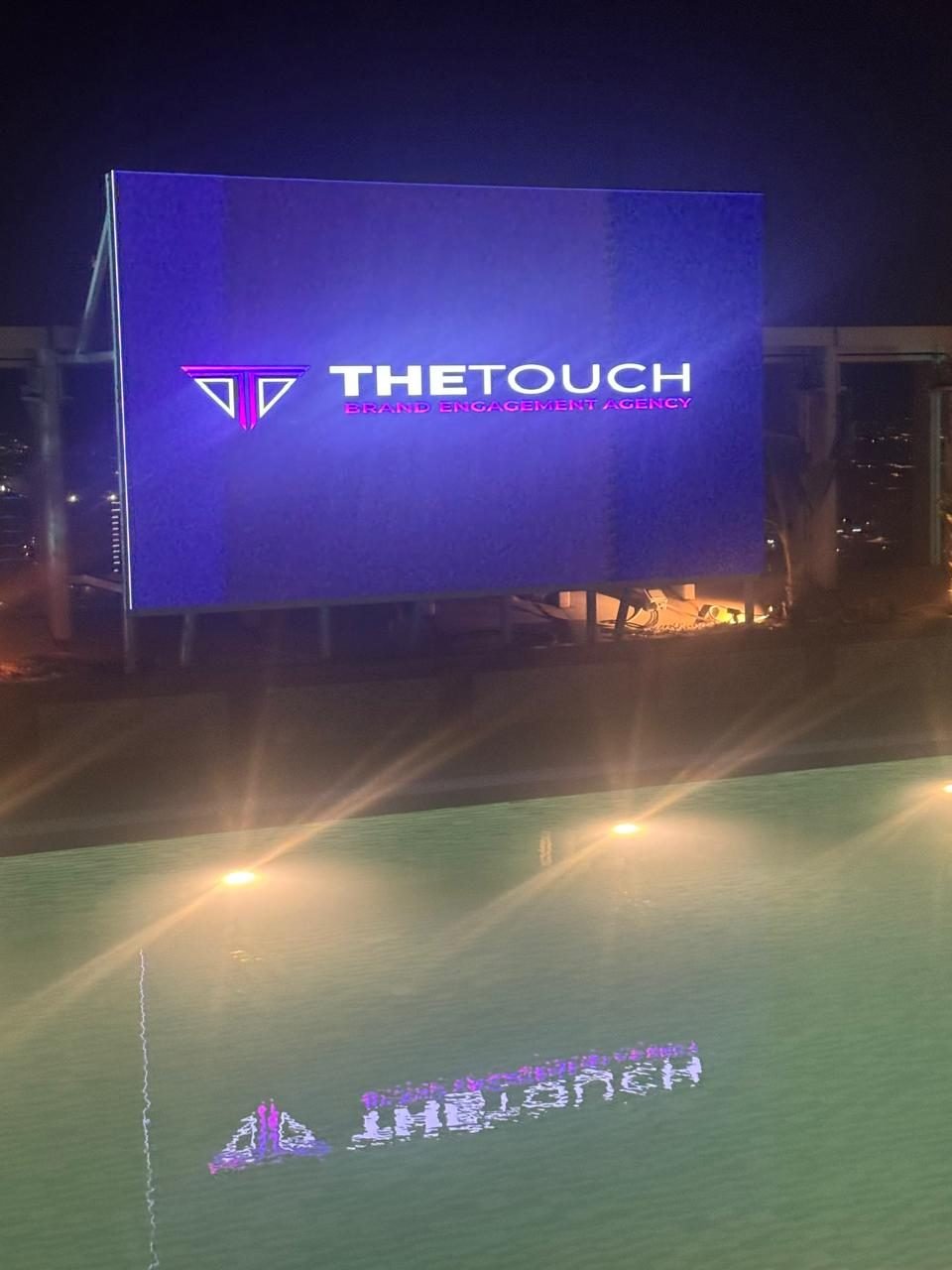
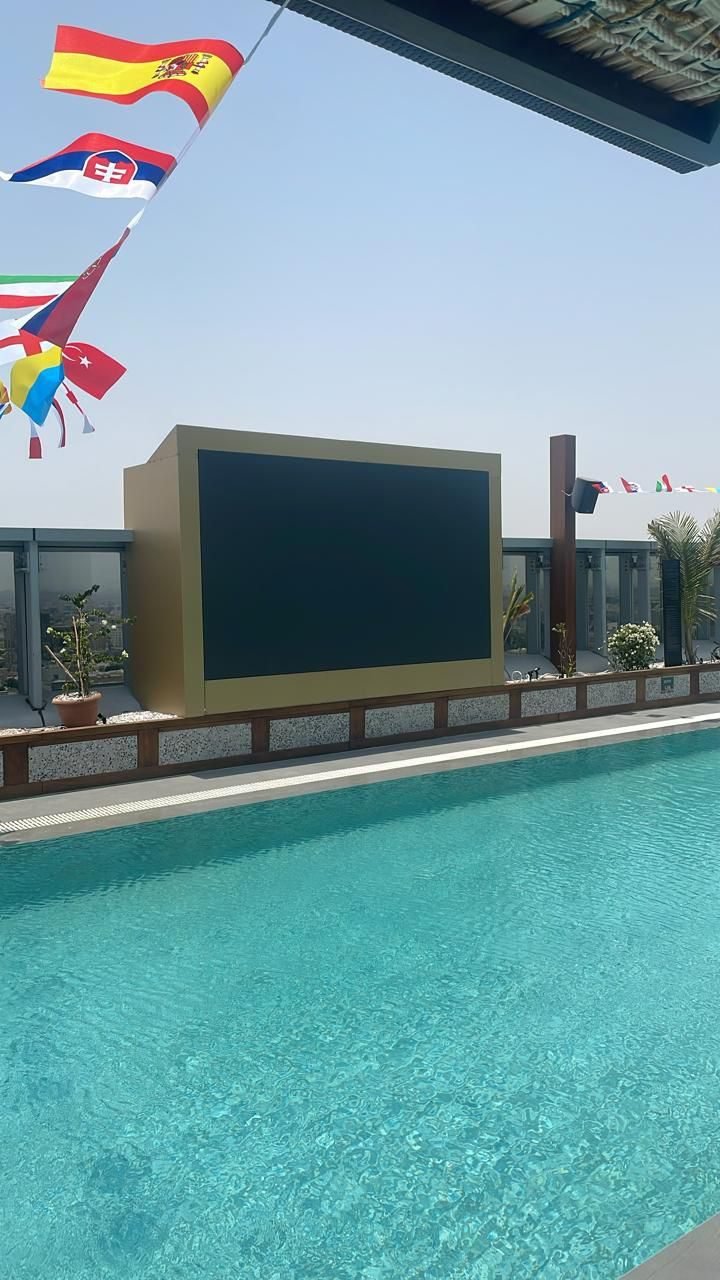
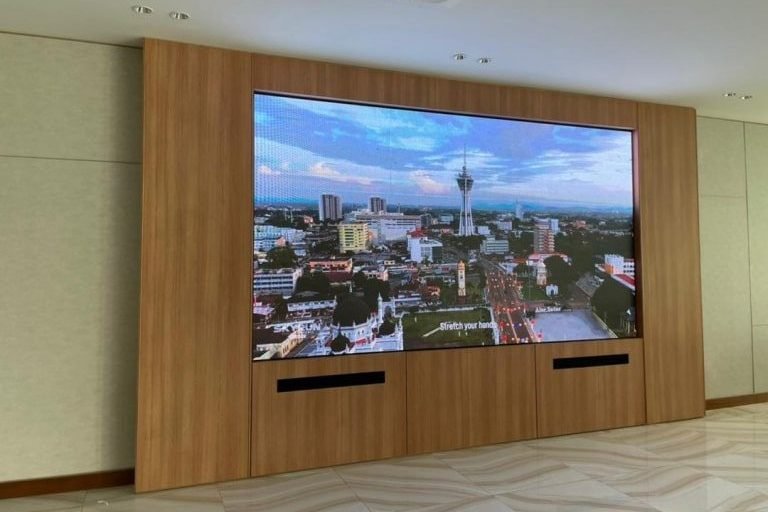
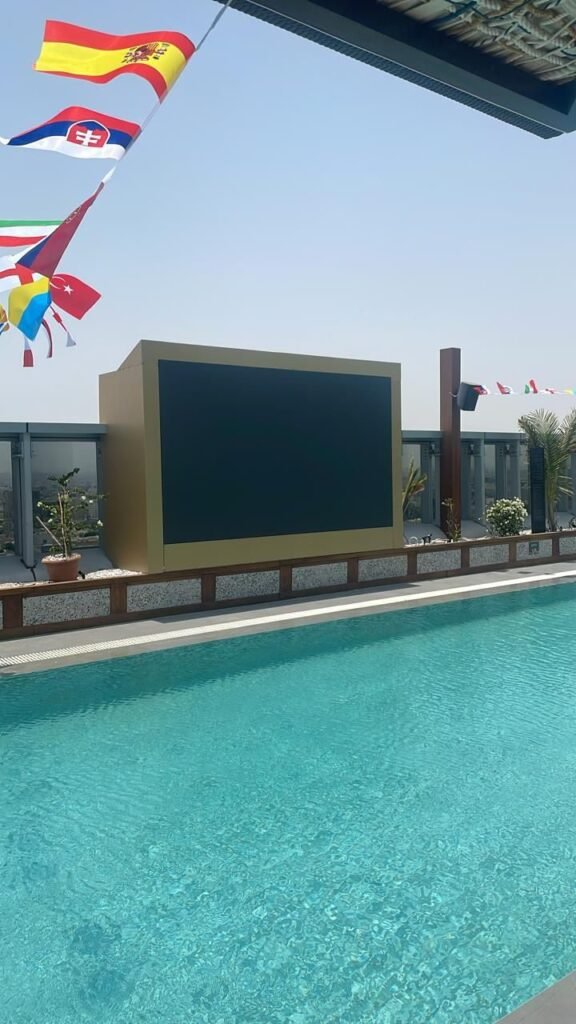
Photographed on site after handover, no renders.
Have a project and want a real number?
Send the area, the date and the city, and we come back with an itemised quote within 24 hours. No commitment, and no vague all-in price.

